
Table of Contents
CM2 QLM Technical Guide (2026)
Summary
The CM2 QLM Module Tool is essential for local PC installation, offering a single-package setup that is compatible with Windows 11/10 and earlier versions. This tool allows you to manage devices powered by Qualcomm chips efficiently. Notably, it comes with a free trial for potential users to explore its capabilities. Indian users can easily access the software for their PC via various download links provided below.
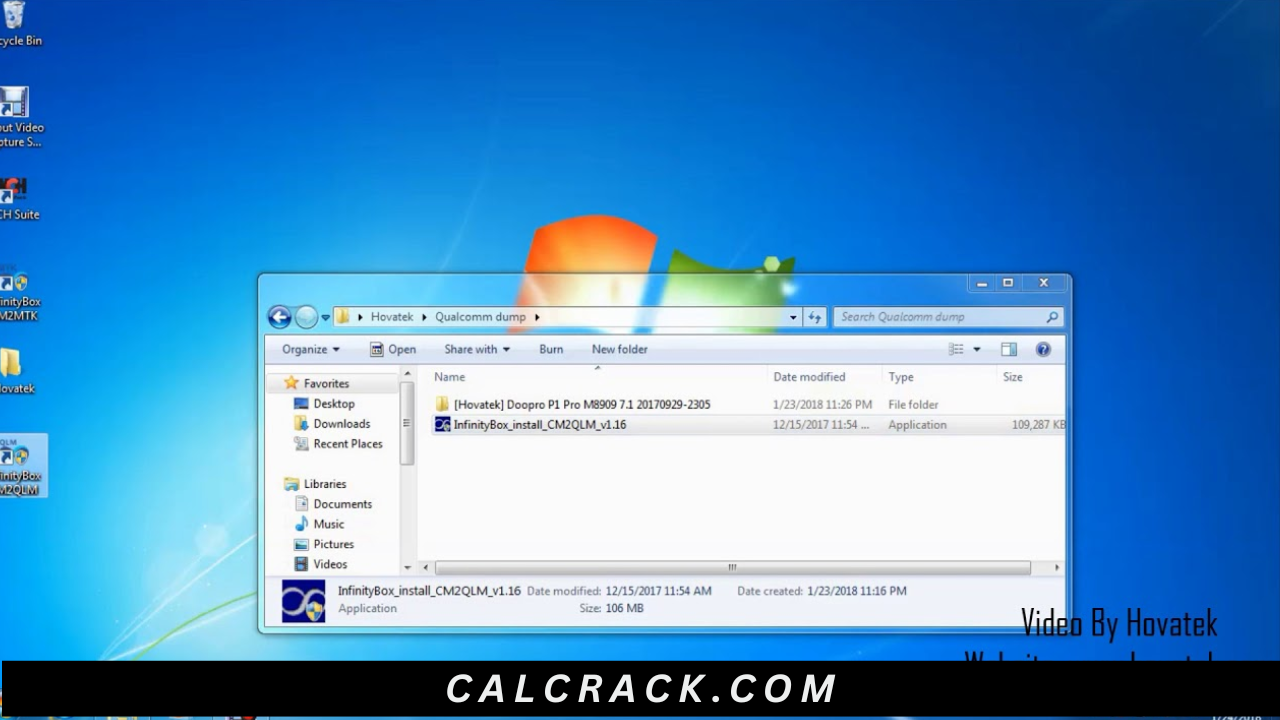
Core Functionality: What Makes This Tool Unique?
At its core, the CM2 QLM Module Tool enables users to flash stock ROMs on Qualcomm-powered smartphones, feature phones, and tablets. It is built with robust architecture that allows seamless interaction with various device components, ensuring effective flashing without data corruption. Additionally, it facilitates functions such as FRP lock removal, screen lock resets, and IMEI issue resolution, making it a comprehensive solution for mobile servicing.
The tool’s architecture supports advanced protocols that enhance real-world mobile servicing and gaming optimization. By utilizing simple commands and intuitive UI design, users can execute complex tasks effortlessly, enhancing user experience and reducing troubleshooting time. With various features tailored for both novice users and advanced technicians, it stands out in the market.
Advanced Capabilities
- Flash Stock ROM: Easily flash XML flash files on Qualcomm devices.
- Remove FRP Lock: Bypass Factory Reset Protection for unrestricted access.
- Screen Lock Reset: Safely reset screen locks on any Qualcomm device.
- Privacy Lock Reset: Remove privacy locks for full user access.
- Repair IMEI: Fix invalid IMEI numbers in a few steps.
- Backup and Restore: Save data for recovery if needed.
- Device Information: View detailed specifications of connected devices.
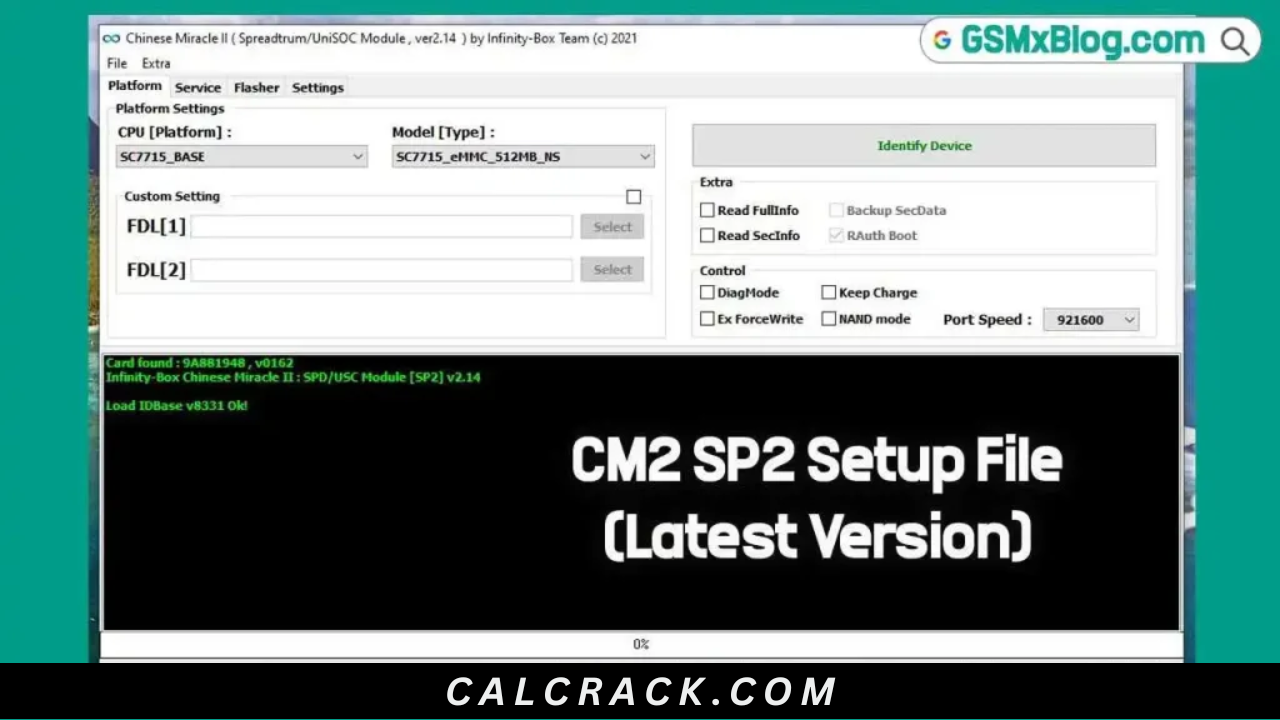
- Service Tab: Access multiple service tools for better management.
- Flasher Tab: Control various flashing operations effectively.
- Driver Compatibility: Supports various Qualcomm USB drivers.
- Multilingual Support: Available in several languages for broader accessibility.
- User-Friendly UI: Intuitive interface designed for easy navigation.
- Speed Optimization: Enhanced processing speed for faster operations.
- Safe Mode Features: Ensure safe operations during critical flashing tasks.
- Comprehensive Tutorials: Step-by-step guides for every main feature.
- Updates and Bug Fixes: Regular updates to ensure reliability and feature improvements.
- Community Support: Engage with users for tips and troubleshooting.
- Performance Logs: Monitor performance metrics after each operation.
Hardware & Environment Specifications
| Specification | Description |
|---|---|
| Operating System | Windows 11/10 and older versions |
| RAM Requirements | Minimum 4 GB RAM |
| Storage Requirements | At least 500 MB free space |
| Processor | Intel i3 or equivalent |
| USB Driver | Qualcomm USB Driver required |
Installation Guide
To install the CM2 QLM Module Tool, follow these steps:
- Download the CM2 QLM Module Tool from the provided links.
- Install the Qualcomm USB Driver on your computer. Without this, the tool may not detect your device.
- Extract the downloaded zip package using the extracting password 12345678.
- Launch the software and configure initial settings like device connection mode.
Common Errors and Fixes
| Error Type | Fix |
|---|---|
| Device Not Detected | Ensure the Qualcomm USB Driver is properly installed. |
| Flash Failed | Check the compatibility of the stock ROM with your device. |
| Software Crashing | Run the tool with administrator privileges. |
| Connection Issues | Verify USB cable integrity and connection. |
| Driver Issues | Reinstall the Qualcomm USB Driver. |
| Insufficient Storage | Free up space on your PC before launching the tool. |
| Unresponsive Tool | Restart your computer and relaunch the application. |
Real Usage Workflow of CM2 QLM for PC Users
After successfully installing the CM2 QLM Module Tool, users typically begin by launching the program and configuring the initial settings. Setting up the Qualcomm USB driver ensures that the tool can recognize the connected device, enabling the user to perform necessary operations. The first task could be flashing a stock ROM or bypassing an FRP lock, depending on the needs.
As users continue their daily workflow, they benefit from the software’s performance handling capabilities. The tool operates smoothly, allowing multiple tasks such as restoring corrupted files or resetting screen locks without notable delays. This is essential for technicians working in mobile servicing, enhancing their productivity significantly.
Moreover, the CM2 QLM Module Tool supports a community-driven approach. By engaging in forums and user groups, individuals can learn about updates and optimizations, further improving their experience and efficiency in mobile handling tasks. With its robust capabilities, users find that their workflow remains uninterrupted, ensuring satisfaction and effectiveness in the long run.
Alternative Tool
If you’re looking for alternatives to the CM2 QLM Module Tool, consider the Odin Tool or the QFIL Tool. These tools are also well-regarded for their functionality in flashing and repairing mobile devices. Each comes with its unique features that may cater to specific needs depending on the situation and device used.
In addition, tools like SP Flash Tool offer extensive support for devices equipped with MediaTek processors, while Xiaomi Mi Flash Tool is focused on Xiaomi devices. These alternatives can enhance your toolkit, providing diverse capabilities needed for more flexible and effective device management.
Important FAQ
What is CM2 QLM Module Tool?
The CM2 QLM Module Tool is a software that helps you flash stock ROMs and perform various repairs on Qualcomm-powered devices.
Is it safe to use?
Yes, it has been scanned for viruses and is safe to use on your PC.
Do I need a specific driver?
Yes, the Qualcomm USB Driver is necessary to connect your device to the software.
Can I use it on Windows 11?
Definitely! It is compatible with Windows 11 as well as older versions.
How do I remove FRP Lock?
Open the tool, go to the Service tab, select FRP, and follow the prompts to reset the lock.
Is there any trial version available?
Yes, there is a free trial for users to test its capabilities.
What should I do if the tool is unresponsive?
Restart your computer and try launching the application again.
Can I use it for gaming optimization?
While primarily for flashing and servicing, it can improve performance by resolving software issues on devices used for gaming.
Final Verdict
The CM2 QLM Module Tool remains a top choice for mobile technicians and enthusiasts in 2026. Its unique features and ease of use make it indispensable for flashing and servicing Qualcomm-powered devices.
Download Now
CM2 QLM Tool Latest Version
- File Name: InfinityBox_install_CM2QLM_v1.16.zip
- File Size: 106.73 MB
- System Type: 64-bit
- Setup Type: Offline
- Download Links:
Old Versions
| Version | Link 1 | Link 2 |
|---|---|---|
| v1.15 | Download (Direct) | Download (G-Drive) |
| v1.14 | Download (Direct) | Download (G-Drive) |
| v1.13 | Download (Direct) | Download (G-Drive) |
| v1.12 | Download (Direct) | Download (G-Drive) |
| v1.11 | Download (Direct) | Download (G-Drive) |
| v1.10 | Download (Direct) | Download (G-Drive) |